StrmrX blog
7 Mistakes Streamers Make Thinking Twitch Stream Tools Cost Too Much
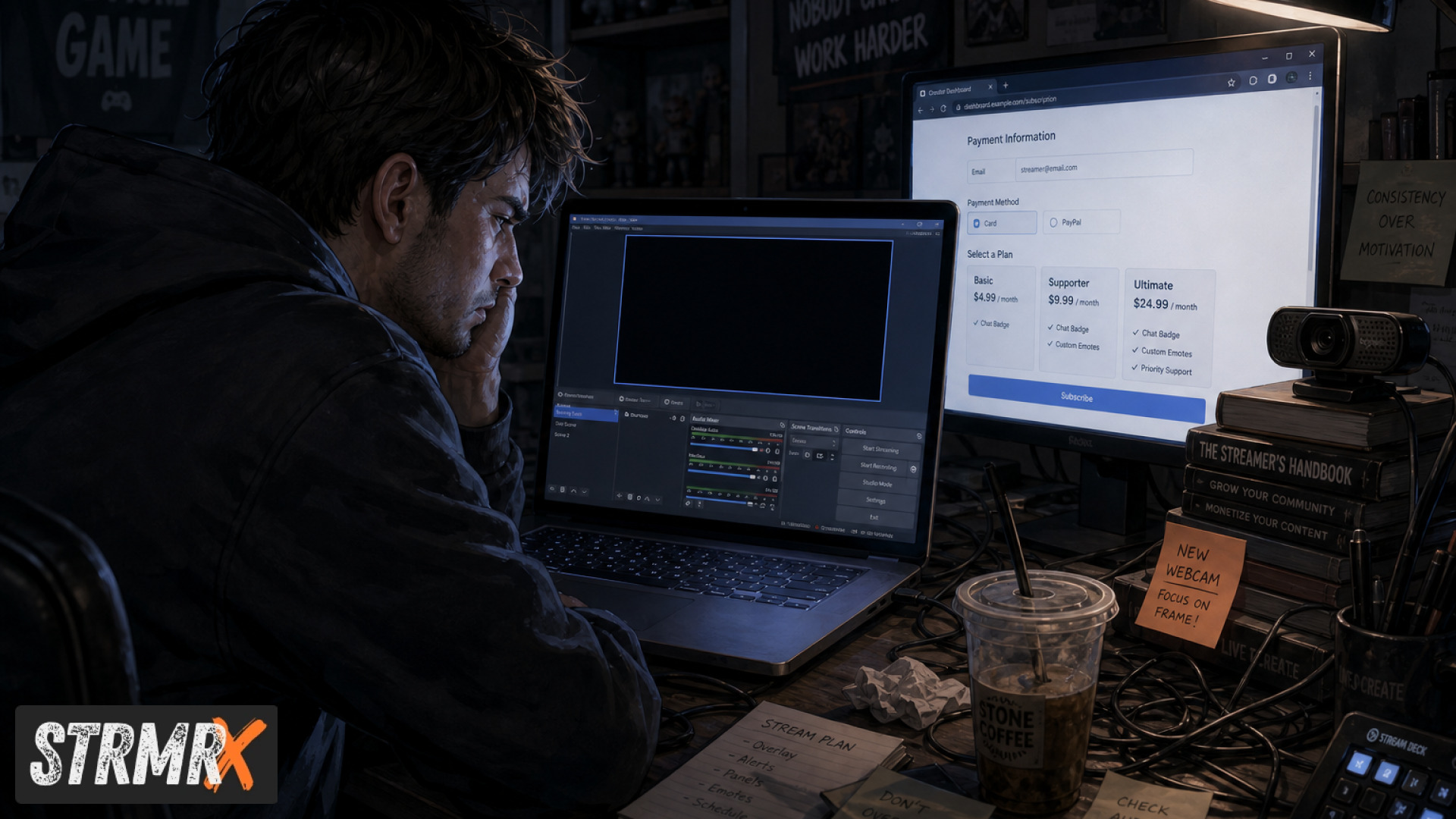
The biggest mistake streamers make is assuming twitch stream tools have to cost money before they help a channel grow, when in reality tools like overlays, chat games and mod bots can run entirely free with no software install. That misunderstanding keeps a lot of small streamers stuck using a single clunky bot instead of a full toolkit. Here are seven cost myths worth clearing up, StrmrX style.
1. Believing Free Tools Are Always Feature-Locked
Free doesn't have to mean crippled, and StrmrX proves it: all seven public apps, BingoX, CollectX, StreamPals, BotBuddyX, PuzzleX, BuzzBarX and RaidX, are fully usable on the free A Tier today.
Streamers searching for "twitch stream tools free" often expect watermarked overlays or capped chat commands. StrmrX's A Tier isn't a trial, it's the real product. You get chat-wide bingo, a live collection grid, a chibi pet chat feeds and waters, an AI chatbot, a co-op puzzle, a rotating social/hype card and a raid finder, all without pulling out a card.
2. Paying For One Heavy Dashboard Instead of Small, Fast Apps
Bundling everything into one bloated all-in-one dashboard usually costs more and loads slower than picking small, purpose-built apps. StreamElements and Streamlabs style dashboards try to be everything at once, which means paying for features you never touch.
StrmrX takes the opposite approach on purpose: seven separate lightweight apps that each do one job well, so a streamer running Just Chatting only spins up BuzzBarX and BotBuddyX, while a variety streamer adds RaidX and PuzzleX. No unused modules, no subscription for features sitting idle in a settings menu.
3. Assuming You Need a Different Login For Every Tool
You don't need seven accounts and seven passwords, one free StrmrX account signs you into every app in the family. That single login also carries one shared credit wallet across the whole StreamKit.
This matters more than it sounds. Streamers comparing "best twitch stream tools" often end up juggling separate Nightbot, Fossabot and Streamlabs logins, each with its own settings and its own learning curve. StrmrX collapses that into one dashboard experience, which saves setup time for anyone building their first overlay.
4. Thinking Overlays Require Installing Software
Twitch stream tools that live in your browser cost you nothing in install time, and every StrmrX overlay drops straight into OBS as a browser source. There's no download, no update prompts, no separate app cluttering your desktop.
Compare that to setups built around Twitch Studio download links or Streamlabs Desktop plugins, where every overlay update means reinstalling or restarting the app. For someone streaming on modest hardware, keeping overlays browser-based instead of native software genuinely reduces the load on your PC during a live broadcast.
5. Overpaying For Chatbots When a Free AI Bot Exists
Basic moderation and command bots don't need a monthly fee, and BotBuddyX answers chat and runs commands as part of the free A Tier. Streamers often assume AI chat moderation is locked behind premium pricing because that's how bigger competitor platforms structure it.
StrmrX built BotBuddyX as one piece of the StreamKit rather than a standalone paid product, so a small or mid-sized channel (5 to 500 average viewers) gets automated chat responses without adding a separate bot subscription on top of everything else.
6. Assuming Engagement Games Are Only For Big Streamers
Interactive chat games like bingo, collection grids and co-op puzzles aren't reserved for large channels, they're free A Tier apps built for streamers at any size. BingoX lets viewers !join from chat while you call the balls, CollectX gives chat a shared grid to tick off live, and PuzzleX runs a real-time puzzle chat solves together.
These tools exist specifically because StrmrX is built by streamers for streamers, not designed around enterprise accounts. A five-viewer stream can run the same BingoX session as a five-hundred-viewer channel, because engagement tools shouldn't have a price tag attached to community building.
7. Overlooking Cheap Upgrades That Unlock the Full StreamKit
Upgrading past free doesn't mean paying enterprise prices, S Tier is 9 dollars a month for premium resources, priority features and early access, and X Tier is 19 dollars a month for the entire StreamKit unlocked with VIP support. That's a lower ceiling than stacking separate paid plans across multiple competitor tools.
Because the credit wallet and login are shared across all seven apps, one X Tier subscription covers BingoX, CollectX, StreamPals, BotBuddyX, PuzzleX, BuzzBarX and RaidX at once, instead of paying per-tool the way you would with separate bot, overlay and raid-finder subscriptions elsewhere.
Conclusion
Most streamers overestimate the cost of good twitch stream tools because they're pricing out the competition, not StrmrX. Between a genuinely free A Tier, one shared login, browser-based overlays and upgrade tiers capped at 9 and 19 dollars a month, there's rarely a reason to sit on the sidelines waiting until a channel "grows into" better tools.
Ready to see what your stream is missing? Create your free StrmrX account at strmrx.com or reach the two-person team behind it at vibe@strmrx.com. Learn. Stream. Vibe.
Frequently Asked Questions
What's actually included in the StrmrX A Tier for free?
A Tier gives you full access to all seven public apps: BingoX, CollectX, StreamPals, BotBuddyX, PuzzleX, BuzzBarX and RaidX. Nothing is watermarked or capped, so you get chat-wide bingo, a live collection grid, a chibi pet, an AI chatbot, a co-op puzzle, a rotating hype card and a raid finder without entering payment info.
How do I set up BuzzBarX and BotBuddyX for a Just Chatting stream?
Since every StrmrX app runs off one shared login, you sign into your free account once and spin up only the apps your format needs, like BuzzBarX for a rotating hype card and BotBuddyX for automated chat responses. You skip RaidX and PuzzleX entirely if they don't fit a Just Chatting setup, so there's no unused module sitting in a settings menu.
Is BotBuddyX comparable to paid bots like Nightbot or Fossabot?
BotBuddyX handles chat responses and commands the way premium AI moderation bots do, but it's bundled into the free A Tier instead of sold as a standalone subscription. Because it shares StrmrX's single login and credit wallet, you avoid stacking a separate bot subscription on top of your overlay or engagement tools the way Nightbot or Fossabot setups often require.
What's the difference between StrmrX's S Tier and X Tier pricing?
S Tier costs 9 dollars a month and unlocks premium resources, priority features and early access to new tools. X Tier is 19 dollars a month and unlocks the entire StreamKit, all seven apps at once, plus VIP support, which still comes in under what you'd pay stacking separate bot, overlay and raid-finder subscriptions elsewhere.
Can a small channel with only a handful of viewers actually run BingoX or PuzzleX?
Yes, engagement tools like BingoX, CollectX and PuzzleX are built into the free A Tier regardless of channel size, so a five-viewer stream can run the same BingoX session as a five-hundred-viewer channel. StrmrX is built for streamers building community at any size, not gated around enterprise-level viewer counts.