StrmrX blog
Best Twitch Chat Interaction Ideas for Winter Season Before It Starts
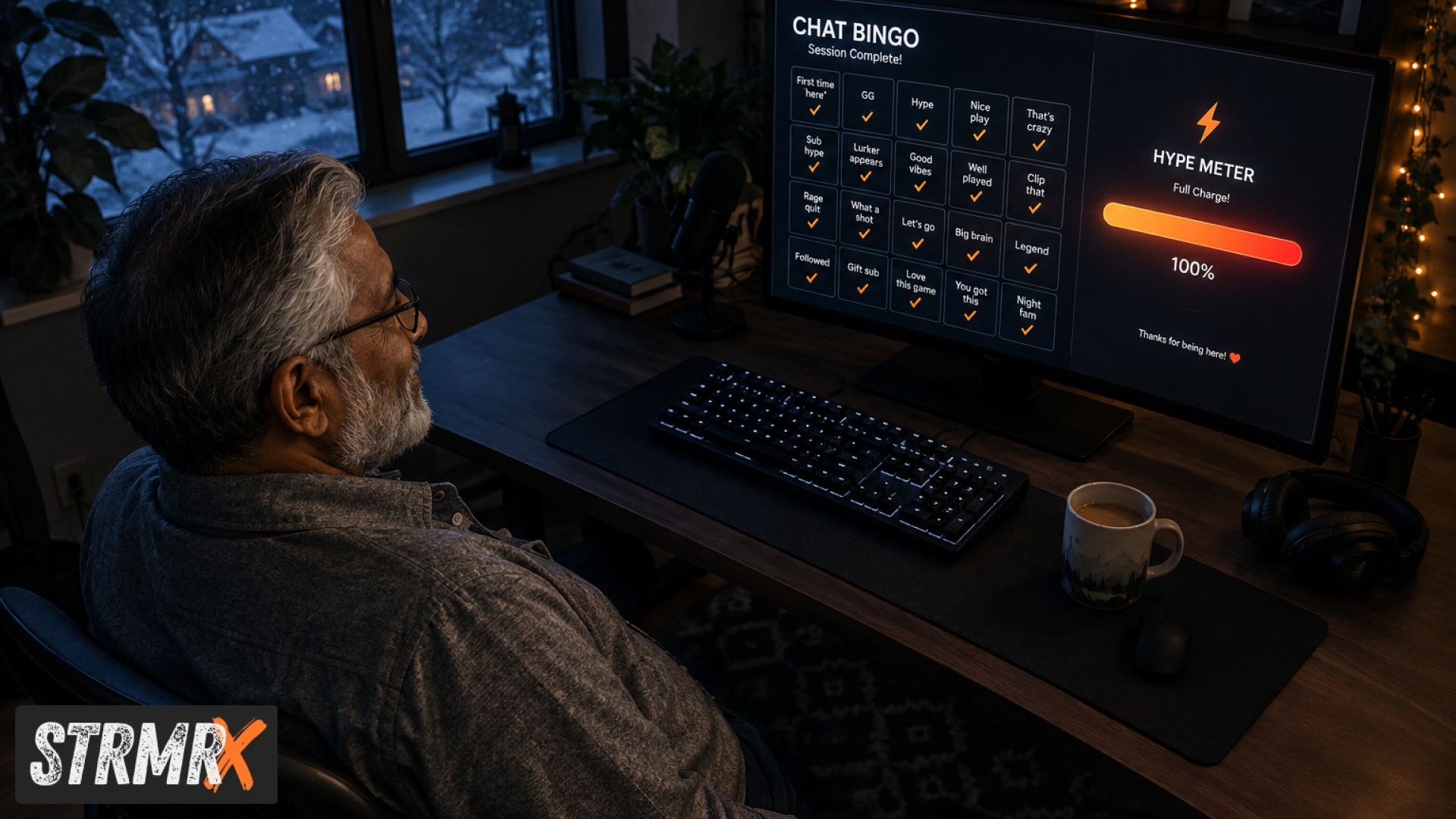
The best twitch chat interaction ideas for winter are the ones that keep chat busy during shorter days and holiday scheduling gaps without adding more work to your stream setup: chat-wide games, a shared collection or pet, an AI chatbot that answers while you're away, and an overlay that rewards raids and follows with visible hype. StrmrX builds all four of these as free browser-based apps under one account, so this post compares them against the usual Twitch chat games and bots so you can pick what actually fits a winter stream before the season gets busy.
Why Do Twitch Chat Interaction Ideas Matter More in Winter?
Twitch chat interaction ideas matter more in winter because viewer attention drops with daylight hours and holiday travel, so chat needs a reason to stay instead of lurking silently. Streams in the Northern Hemisphere typically see quieter weekday chats from late November through the end of December as school, work holidays, and family schedules pull viewers away from their usual watch times.
A chat game, a shared pet, or a running collection gives lurkers a reason to type something instead of just watching. It also gives you, the streamer, something to react to when the game itself is slow, which matters a lot during a Just Chatting stream on a dark December evening.
Twitch's own Official Twitch Feature Announcements from TwitchCon Rotterdam 2026 point the same direction, with new seasonal tools like Power-Ups and Mythic Trains built specifically to give chat something interactive to rally around. Winter is exactly the kind of season those features are made for, and third-party chat tools fill the same gap for broadcasters who want it without waiting on a platform rollout.
Chat-Wide Games vs Manual Commands: Which Wins for Winter?
Chat-wide games win over manually typed commands for winter streams because they scale to however many people show up, without you moderating each entry by hand. BingoX is StrmrX's take on this: viewers type !join in chat, a bingo card fills in automatically, and you call the balls while the overlay runs as a browser source straight in OBS or Streamlabs Desktop.
The alternative, a manually run chat game using raw Twitch Official Chat Commands, works fine for a 10-viewer stream but falls apart once 50 or 100 people are typing at once. You end up scrolling to catch who said what instead of talking to your game or your chat.
BingoX is free on StrmrX's A tier today, same as the rest of the family, and because it runs under the same StrmrX account as everything else, there's no second login or separate credit system to manage when you add it alongside other tools.
Cool Twitch Chat Interaction Ideas for a Quiet Winter Chat
The simplest cool twitch chat interaction idea for a slow winter chat is one that rewards typing without requiring chat to understand a complicated ruleset. Bingo works because everyone already knows the rules; a collection grid works for the same reason.
CollectX gives chat a shared grid of items to tick off live as the stream finds or unlocks them, which turns a quiet Tuesday stream into a small shared goal instead of a silent waiting room. It's a lighter lift than running a full event, and it works whether you're playing a long RPG or just chatting with the category tab open.
AFK Twitch Chat Games: Can a Virtual Pet or Bot Keep Chat Busy?
AFK Twitch chat games can absolutely keep chat busy while you step away, provided the tool doesn't need you to run it manually. StreamPals is built for exactly this gap: it's a chibi pet that the whole stream feeds, waters, and plays with, so chat has an ongoing, low-effort task they can return to between your actual content, including the stretches when you're AFK for a bio break or between matches.
BotBuddyX covers the other half of the AFK problem. It's an AI chatbot that answers chat questions and runs commands even when you're not actively typing, so new viewers who show up mid-break still get a response instead of silence.
Compared to a static command list, the difference is that BotBuddyX can actually answer a question in context rather than just spitting back a pre-written line. For a winter stream where you might step away more often to deal with holiday interruptions, that's the practical gap it closes.
Mini Games for Twitch Chat: PuzzleX vs Standalone Puzzle Bots
Mini games for Twitch chat work best when the whole audience can solve something together in real time, and that's specifically what PuzzleX is built for. It's a real-time puzzle chat solves together, usable either live on stream or at a private table setting, which matters if you want to run it as a community event outside of stream hours too, such as a Discord-linked session during a holiday break.
Standalone puzzle bots that aren't tied into a broader toolkit tend to require their own setup, their own bot invite, and their own moderation permissions. PuzzleX runs through the same StrmrX account as BingoX, CollectX, StreamPals, and the rest of the StreamKit, so there's one shared credit wallet and one login instead of juggling five separate bot dashboards.
That matters more than it sounds like for a two-person channel team managing a stream during a busy holiday stretch: fewer dashboards means fewer things that can break mid-stream.
Hype and Community Tools: BuzzBarX and RaidX for Winter Raid Trains
BuzzBarX and RaidX are the pair that handle the moments chat actually gets loud, which tend to cluster around raids, follows, and hype trains during busy winter weekends. BuzzBarX is an on-screen card that rotates your socials, commands, and house rules, and it swells visibly for hype trains, raids, and follows, so chat sees the moment land instead of it scrolling past in text.
RaidX handles the other side of that same moment: it finds live channels that fit your stream by size, game, and camera type, lets you raid in one click, and remembers who raided you back. For a small or mid-sized channel (the 5 to 500 average viewer range StrmrX is built around), finding a same-size channel to raid at the end of a stream is often more valuable than ending on your own silent "thanks for watching" screen.
Both run as browser sources with nothing to install, which matters for anyone setting up a stream for the first time ahead of a busier winter schedule and doesn't want to spend an evening installing desktop plugins.
Funny Twitch Chat Interaction Ideas Worth Trying
Funny twitch chat interaction ideas tend to come from letting chat do something slightly silly together rather than something competitive. Feeding and watering a shared pet on StreamPals leans into this naturally; chat ends up bargaining in real time about whether to feed the pet or let it "starve for the bit," which is the kind of back-and-forth that reliably gets screenshotted and reposted.
Bingo calls on BingoX tend to produce the same effect when a streamer narrates each ball with a bit instead of reading it flat. None of this requires scripting; it's a side effect of giving chat a shared, visible thing to react to.
Which Twitch Chat Interaction Ideas Should You Choose?
Choose based on how much attention your stream can spare, not on which tool looks the flashiest in a clip. A streamer who's heads-down in a competitive game should lean on BingoX or StreamPals, both of which run quietly in the background without needing moderation. A streamer doing Just Chatting or variety content who can talk directly to chat gets more out of PuzzleX or BotBuddyX, since both reward active back-and-forth.
- Low-attention, gameplay-heavy streams: BingoX or StreamPals, both run passively with minimal moderation.
- Just Chatting or variety streams: PuzzleX or BotBuddyX, both reward direct conversation with chat.
- Channel growth goals: RaidX, for finding same-size channels to raid and tracking who raids back.
- End-of-stream hype moments: BuzzBarX, for visible raid, follow, and hype train callouts.
All seven StrmrX apps, BingoX, CollectX, StreamPals, BotBuddyX, PuzzleX, BuzzBarX, and RaidX, are free on the A tier right now, so there's no cost barrier to testing two or three together before committing to a winter schedule. If a channel wants every app unlocked plus VIP support, X Tier runs 19 dollars a month; S Tier sits at 9 dollars a month for premium resources, priority features, and early access, for anyone who wants a bit more without the full bundle.
Building Any of These into OBS or Streamlabs Desktop
Every StrmrX overlay drops into OBS or Streamlabs Desktop the same way: add it as a browser source, paste the link, and it's live, with nothing to download or install. That's a deliberate design choice from a two-person independent studio built by streamers, for streamers, rather than a single heavy dashboard trying to do everything at once.
For broadcasters who want to script their own custom chat interactions on top of what BotBuddyX or PuzzleX already handle, Twitch's own Twitch Developer Chat API documents how to send and receive chat messages and automate interactive events directly, which is useful groundwork if you ever want to extend a bot beyond what a pre-built tool offers.
Conclusion: Picking Twitch Chat Interaction Ideas Before Winter Gets Busy
The best twitch chat interaction ideas for winter are the ones you can set up once and trust to run themselves through a season of shorter days and unpredictable schedules. Start with one or two StrmrX apps that match your stream style, BingoX or StreamPals for quieter gameplay streams, PuzzleX or BotBuddyX for chat-heavy streams, and layer in BuzzBarX and RaidX once you want the hype moments and raid growth handled too. All seven are free to try under one StrmrX account with a shared credit wallet, so there's no real cost to testing before the holidays hit. Set them up at strmrx.com or reach the team at vibe@strmrx.com with questions, and get chat talking before winter makes it harder.
Frequently Asked Questions
What's the actual difference between CollectX and BingoX if both are chat-wide games?
BingoX runs a round-based game where viewers type !join and you call balls until someone wins, so it has a clear start and finish. CollectX is ongoing instead: chat ticks off a shared grid of items as your stream finds or unlocks them over time, with no winner or end point. Use BingoX for a defined segment of your stream and CollectX as a background goal that runs across an entire session or even multiple streams.
How do I set up BuzzBarX and RaidX together for a hype train or raid train moment?
Add both as separate browser sources in OBS or Streamlabs Desktop using their individual links, since they run independently even though they share your StrmrX login and credit wallet. BuzzBarX will visibly swell on-screen when a raid, follow, or hype train hits, and you can trigger RaidX right after to find a same-size channel to raid out to. Running them side by side means the hype moment gets shown on-screen and then immediately turned into outbound growth instead of ending on a quiet "thanks for watching" screen.
Is BotBuddyX better than a standard Twitch chat bot for answering questions while I'm away?
Standard setups built on Twitch's own chat commands only return pre-written lines, so a new viewer asking an off-script question during your AFK break just gets silence. BotBuddyX is an AI chatbot that can respond in context rather than matching a fixed command list, which matters more in winter when you're likely stepping away more often for holiday interruptions. It won't replace you for anything nuanced, but it closes the specific gap of mid-break viewers getting zero response.
Do I need to pay for X Tier or S Tier to use BingoX, StreamPals, or the other apps mentioned?
No, all seven apps, including BingoX, CollectX, StreamPals, BotBuddyX, PuzzleX, BuzzBarX, and RaidX, are free on StrmrX's A tier right now. X Tier at $19/month unlocks every app plus VIP support, and S Tier at $9/month adds premium resources, priority features, and early access, but neither is required to start testing tools before winter gets busy.
Can I run PuzzleX as a Discord event instead of during a live stream?
Yes, the post specifically notes PuzzleX works either live on stream or at a private table setting, which makes it usable as a standalone community event. That's useful for a Discord-linked puzzle session during a holiday stretch when your regular stream schedule might be interrupted but you still want chat engaged. It runs through the same StrmrX account as your other apps, so there's no separate bot invite or extra login needed to set it up outside of stream hours.