StrmrX blog
Why More Twitch Chat Games Won't Fix a Quiet Chat (Do This Instead)
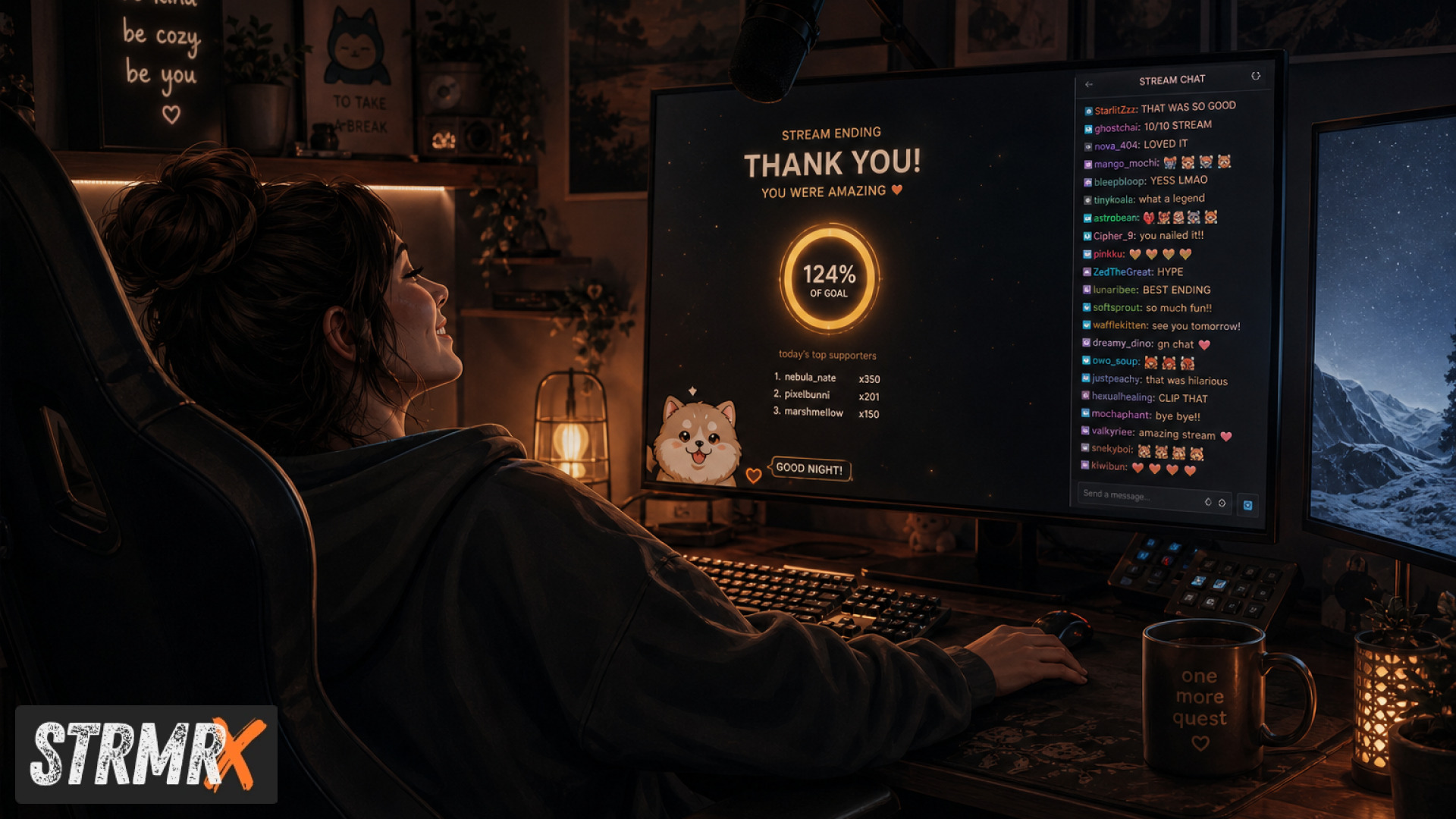
More Twitch chat games won't fix a quiet chat if the real problem is friction, not variety. Stacking a fifth or sixth game onto a chat that already ignores the first four just gives you more unused features, not more participation. The actual fix is lowering the barrier to join in and giving chat a reason to stick around between games, not adding another one.
There's a persistent idea in streaming circles that a bigger toolbox of Twitch chat games automatically produces a livelier chat. It doesn't. Here's what's actually going on, and what to do instead.
Myth: More Twitch Chat Games Always Mean More Chat Activity
Reality: adding more games splits a small pool of already-engaged viewers instead of creating new ones.
If ten viewers are typing in a 40-viewer chat, installing a third or fourth Twitch chat games bot doesn't turn the other 30 into chatters. It just gives the same ten people more menus to choose from. A peer-reviewed Twitch community study from Purdue found that genuine community on Twitch comes from real streamer-audience interaction, not from passive features sitting in the background. Quantity of tools was never the variable that mattered. Depth of interaction was.
Myth: A Twitch Chat Games Bot Replaces the Need for Real Interaction
Reality: a bot runs commands, but it can't build the relationship that makes people want to type in the first place.
Command-based tools are genuinely useful, but they're support infrastructure, not a substitute for the streamer showing up in chat. Twitch community management research examining third-party tools found streamers and moderators still had to actively use and reference the tools for them to build engagement, the software alone didn't do the work. That's the thinking behind BotBuddyX: it's built to answer chat and run commands, but it's a supplement to your presence, not a replacement for it.
Myth: AFK Twitch Chat Games Keep Chat Engaged While You're Away
Reality: most AFK Twitch chat games hold attention for a few minutes, not the 20 to 30 minutes a bio break or tech issue actually takes.
Chat drifts to Discord, another stream, or just closes the tab once the novelty of one round wears off. What works better for genuine idle moments is something with ongoing low-effort upkeep, like StreamPals, where the whole chat can keep feeding, watering, and playing with a shared chibi pet at their own pace. It's not a distraction that peaks and dies, it's a small ongoing task chat can dip in and out of without needing you to referee it.
Myth: Mini Games for Twitch Chat Need to Run Constantly to Keep Chat Interested
Reality: running games nonstop causes fatigue, timing them to real moments works better than running them on a loop.
A bingo round from BingoX or a collection tick-off in CollectX lands harder when it's tied to something happening on stream, a boss fight, a milestone, a raid. That's also why a rotating on-screen element like BuzzBarX is built to swell specifically for hype trains, raids, and new follows, instead of just cycling constantly regardless of what's happening. Constant stimulation trains chat to tune it out. Timed stimulation trains chat to pay attention.
Myth: A Twitch Chat Dungeon Game or Bingo Round Is a Personality Replacement
Reality: games are a supplement to the streamer, not a substitute for the two-way relationship viewers actually came for.
Live streaming relationship research describes how two-way chat interaction reshapes the traditional one-sided viewer-to-broadcaster relationship into something closer to a real exchange. A puzzle chat solves together in PuzzleX, whether on stream or at a private table, works because it's something you and chat do together, with you calling shots and reacting in real time. Strip the streamer's reactions out of it and it's just a puzzle sitting on screen.
Conclusion: What Actually Fixes a Quiet Twitch Chat
A quiet chat usually needs less friction and better matching, not more Twitch chat games layered on top of each other. Lower the barrier to join with something chat can !join in seconds, keep a light-touch presence running between bigger moments, and get in front of viewers who are actually a fit for your stream size and game rather than hoping the algorithm does it. RaidX was built for exactly that last part, it finds live channels that match your size, game, and camera type, raids in one click, and remembers who raided you back, so you're growing chat with people who were already likely to stick around.
StrmrX runs all seven of these apps, BingoX, CollectX, StreamPals, BotBuddyX, PuzzleX, BuzzBarX, and RaidX, entirely in the browser as OBS browser sources, with nothing to install and one free account signing you into every app with a shared credit wallet. All seven are free to start on the A tier. If you're ready to stop guessing which chat game might work and start using tools built specifically to lower friction and match your chat to real viewers, create a free account at strmrx.com or reach the two-person team behind it directly at vibe@strmrx.com.
Frequently Asked Questions
What's the difference between StreamPals and a regular AFK Twitch chat game?
Most AFK Twitch chat games are built around a single round that peaks once and then goes stale, so chat wanders off within a few minutes. StreamPals is designed as ongoing low-effort upkeep instead, chat feeds, waters, and plays with a shared chibi pet at their own pace, so there's always something small to do without needing a new round started or a streamer to referee it.
How do I set up BuzzBarX so it only reacts to hype trains and raids?
BuzzBarX is built specifically to swell around hype trains, raids, and new follows rather than cycling on a constant loop, so it's tied to those trigger events by default instead of running continuously. You add it as an OBS browser source through your StrmrX account, and it activates around those real moments on stream rather than needing you to manually toggle it.
Should I use BingoX or CollectX for tying games to specific stream moments like boss fights?
Both work well for that timing-based approach, the key difference is format: BingoX runs a bingo round chat fills in as things happen, while CollectX is built around chat checking items off a collection. Pick whichever matches your content better, a boss fight or milestone run suits either, since the point is landing the game at a real moment on stream rather than running it constantly.
Is BotBuddyX free to use, and does it require installing anything?
BotBuddyX runs entirely in the browser as an OBS browser source through StrmrX, so there's nothing to install, and it's free to start on the A tier along with the other six apps. One free StrmrX account gets you into all of them with a shared credit wallet.
If a Twitch chat games bot can't build relationships on its own, what should I actually be doing in chat while it runs?
The research cited in the post found that tools only build engagement when streamers and moderators actively use and reference them, so the bot's job is to run commands while you're the one responding, calling shots, and reacting in real time. Something like PuzzleX works because you're solving it together with chat and reacting to what they type, not because the puzzle sits there running itself.